
Download PixGrabber – Image Downloader, Online Image Search, Image Viewer, Free Image Tool, Download Images from Web
Overview
PixGrabber is a specialized utility designed to simplify the process of gathering and managing digital images from both local and online sources. The application serves as a multifunctional tool for users who frequently need to collect visual content, offering a streamlined workflow for image discovery, viewing, and downloading. Its core purpose lies in reducing the friction associated with extracting images from the web and various storage media, making it particularly valuable for content creators, researchers, educators, and digital archivists. By integrating online image search with local file system access, PixGrabber bridges the gap between disparate image repositories.
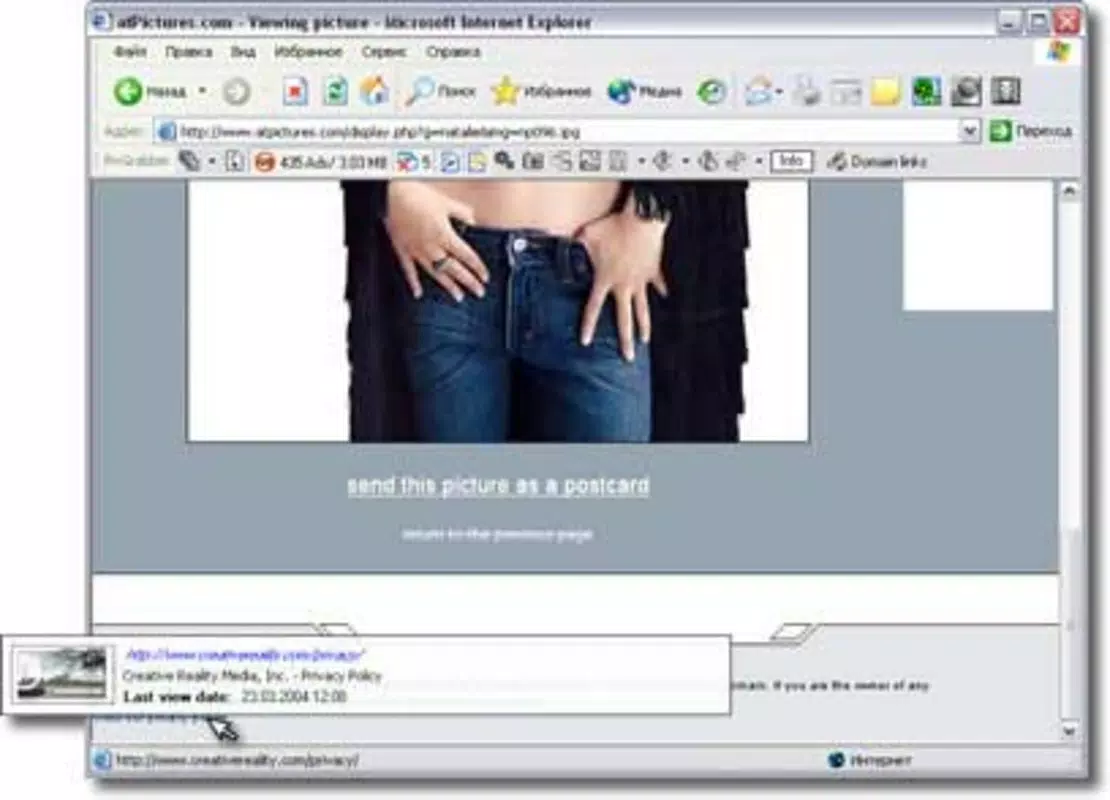
The app’s ability to block intrusive ads and pop-ups during searches enhances usability, especially when navigating high-traffic websites. This feature contributes to a cleaner, more focused browsing experience, minimizing distractions and potential security risks. The inclusion of customizable filters and categorization tools further supports efficient organization, enabling users to manage large image collections with ease.
While the developer, Joe C. Jones, is listed, no additional background or company details were provided. The application was first released on November 25, 2005, marking it as a long-standing tool in the productivity space.
Despite its age, PixGrabber remains relevant due to its core functionality and lightweight design. It fills a niche in the digital ecosystem by offering a dedicated, no-frills solution for image retrieval without relying on complex cloud integrations or subscription models. Its continued availability as a free tool underscores its accessibility, making it a practical choice for users seeking reliable image management on Windows systems.
Key Features & Functionality
- Online Image Search: PixGrabber provides a built-in search function that enables users to retrieve images from the web using multiple search engines. The tool operates in both automatic and manual modes, allowing users to control the search process. It actively blocks ads and pop-ups, improving both performance and user safety during searches.
- Multi-Source Image Gathering: The application supports image extraction from a wide range of physical and digital storage devices, including hard drives, CDs, DVDs, and removable media. This makes it ideal for users managing legacy data or transferring visual content across platforms.
- Favorites Integration: During installation, users can opt to import Internet Explorer favorites into PixGrabber. This integration allows quick access to frequently visited websites, streamlining the process of searching for images on trusted or commonly used platforms.
- Custom Search Engines: Beyond built-in search engines, PixGrabber allows users to add custom websites as search sources. This flexibility supports tailored workflows, especially for niche content or proprietary platforms.
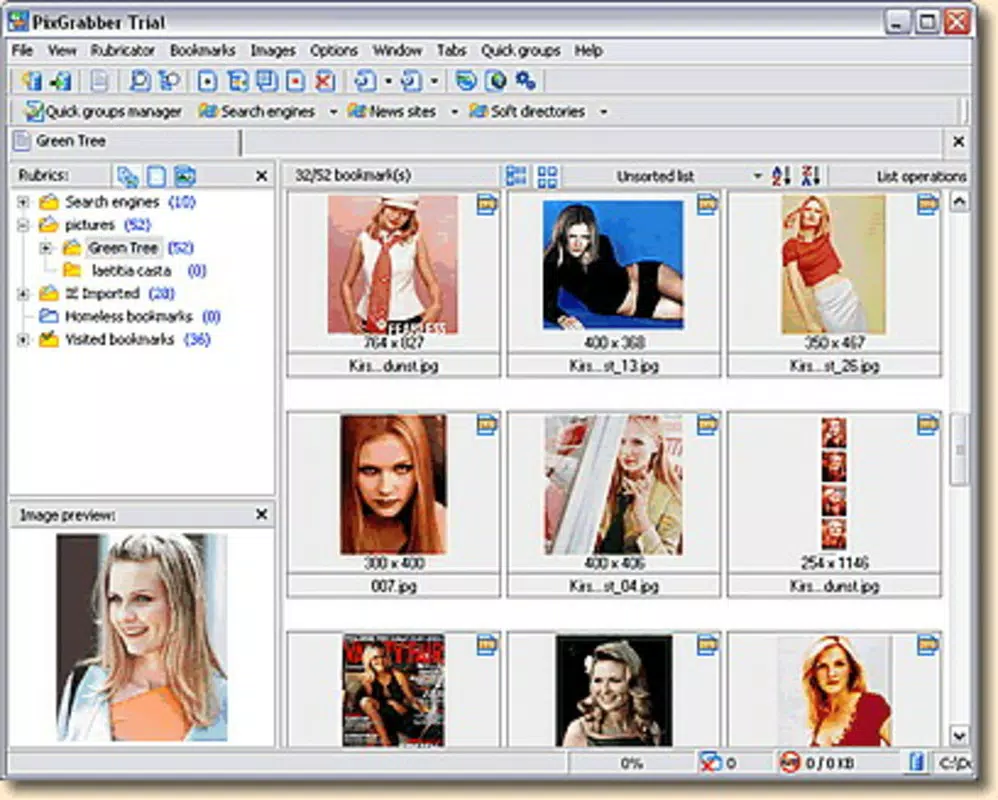
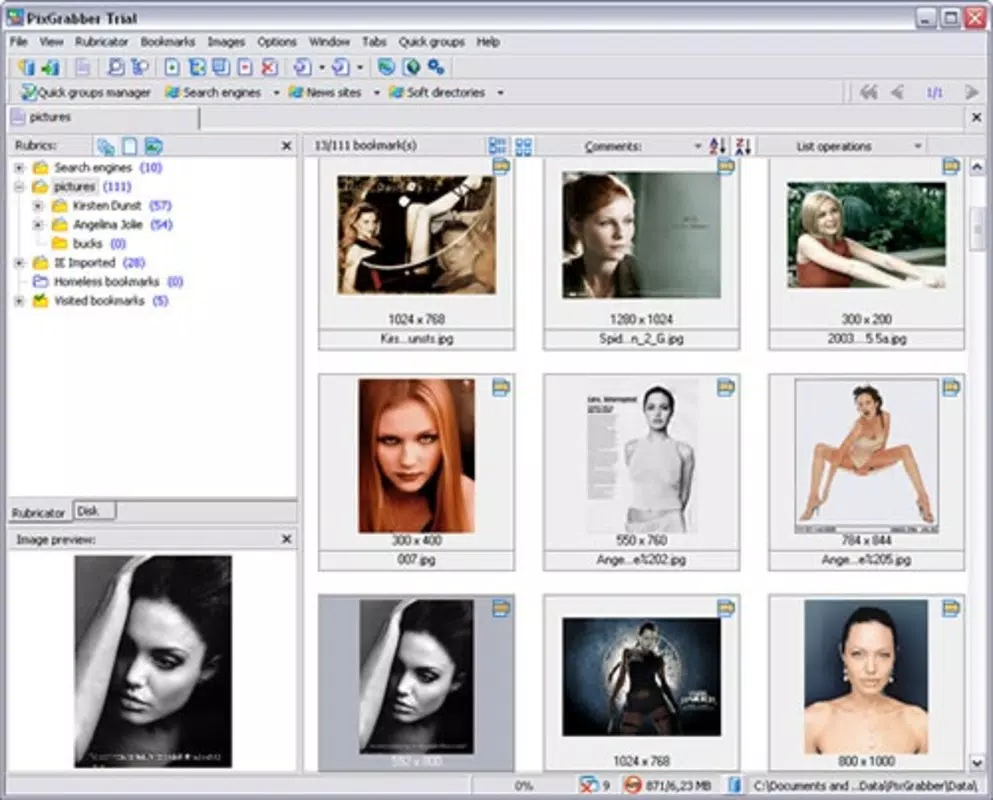
- Categorization and Filters: Users can organize downloaded images into custom categories and apply filters based on criteria such as file type, size, or date. This functionality enhances retrieval efficiency and supports long-term digital asset management.
For example, a teacher preparing a lesson plan could use PixGrabber to search for educational diagrams, download them while avoiding ads, and organize them into a “Science” folder. Similarly, a graphic designer might use the multi-source feature to compile images from old project backups stored on DVDs, ensuring no visual asset is lost.
Interface, UX & Performance
PixGrabber presents a straightforward, functional interface designed for efficiency rather than visual flair. The layout is minimalistic, focusing on core tasks such as initiating searches, browsing results, and managing downloads. Navigation is linear and intuitive, with clearly labeled buttons and menus that guide users through each step of the image collection process.
The application’s performance is consistent with its lightweight footprint—1.2 MB in size—suggesting low system resource consumption. Although the developer did not list formal performance metrics, the app’s age and simplicity imply stability on older Windows systems. Responsiveness appears to be adequate for typical use cases, particularly given the absence of heavy graphical elements or background processes.
Users can expect smooth operation on a range of device categories, from low-end machines to modern desktops. The interface remains usable even under limited processing power. However, compatibility with newer Windows versions was not disclosed. While the app may function on current systems, users should verify system requirements before installation. No reports of crashes or freezes were provided, but real-world stability may vary based on the operating environment.
Platform Compatibility & Technical Requirements
PixGrabber is designed for the Windows platform, supporting desktop operating systems. The current version is 1.0.1, released on November 25, 2005. The application has a file size of 1.2 MB, making it highly portable and suitable for systems with limited storage capacity.
The developer did not specify minimum OS requirements, nor did they provide information on compatibility with specific Windows versions beyond the platform. As such, users should exercise caution when installing on modern systems, particularly those running Windows 10 or 11. While the app may run via compatibility mode, no guarantees are provided. Additionally, no information was given regarding processor architecture, RAM, or disk space beyond the file size.
Given the app’s age, users should ensure their system is secure and up to date before installation. Running legacy software on current systems carries inherent risks, including potential vulnerabilities and lack of official support. It is recommended to use antivirus software and maintain a backup before deploying the application.
Pros and Cons
Pros
- Free to download and use with no hidden costs.
- Lightweight design (1.2 MB) ensures minimal system impact.
- Supports both online and local image sources for comprehensive retrieval.
- Blocks ads and pop-ups during web searches, improving user experience.
- Offers customizable search engines and filtering options for efficient organization.
Cons
- Released in 2005; compatibility with modern Windows systems is uncertain.
- No official technical specifications or system requirements provided.
- Interface lacks modern design elements and may appear outdated.
- Platform is limited to Windows; no support for Android or iOS.
- Developer has not released updates in nearly two decades.
FAQ
Is PixGrabber safe to download and install?
While the app is free and available from trusted sources, its age raises potential security concerns. It is recommended to scan the file with up-to-date antivirus software before installation.
Can I use PixGrabber on Windows 10 or Windows 11?
Compatibility with Windows 10 or 11 is not officially confirmed. The app may run via compatibility mode, but no guarantees are provided.
Does PixGrabber support mobile platforms like Android or iOS?
No, the application is designed exclusively for Windows and is not available on mobile operating systems.
How do I add custom websites to the search engine list?
PixGrabber allows users to add custom search engines through its settings menu. Specific instructions are not provided in the documentation.
Is PixGrabber regularly updated?
There have been no updates since its release in 2005. The developer has not released any new versions or patches.
Final Thoughts
PixGrabber remains a niche yet functional tool for users seeking a no-cost, no-nonsense solution for collecting and organizing images from both local and online sources. Its ability to block ads, support multiple data sources, and integrate with Internet Explorer favorites offers tangible benefits for specific workflows. While its outdated interface and lack of modern support are notable drawbacks, its lightweight design and free status make it a viable option for legacy systems or specialized tasks.
For educators, researchers, and digital archivists managing older media, PixGrabber can serve as a reliable utility. However, users on modern systems should proceed with caution and verify compatibility. The app’s enduring presence underscores its core value, even in a rapidly evolving digital landscape.
Download PixGrabber now


